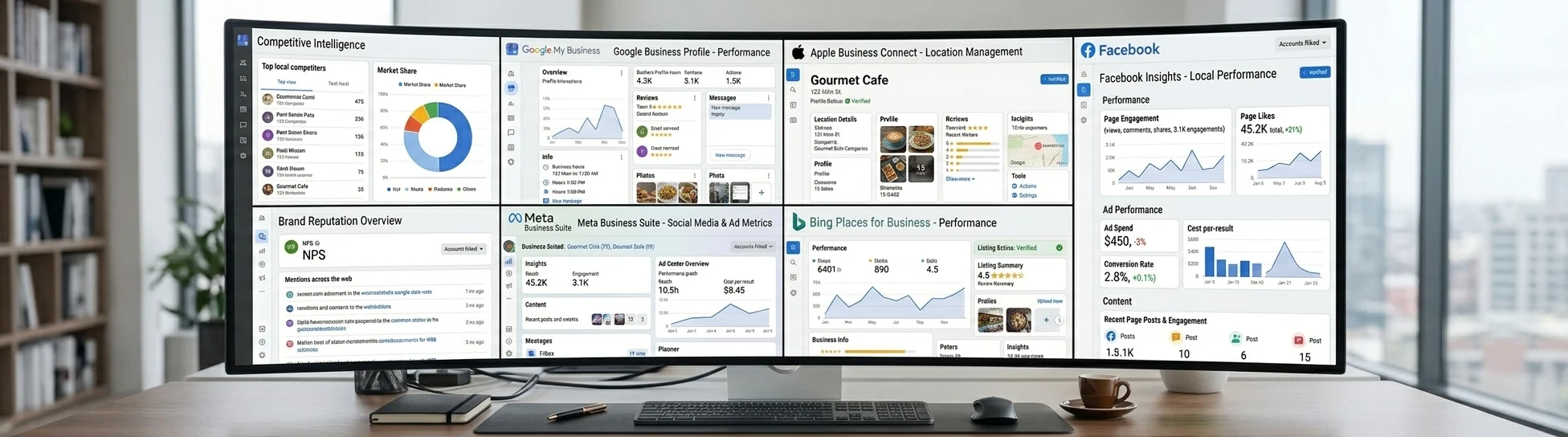











Publish once to Google and Facebook
Compose a single post, send it to Google and Facebook in one call, and read back per-channel status, live post links, and engagement metrics.
curl -H "Authorization: API $LISTINGSAPI_KEY" "https://listingsapi.com/api/v4/locations/MTIzNDU2/posts?tag=all"{
"postName": "Fall hours update",
"postType": "ANNOUNCEMENT",
"status": "SUCCESS",
"publishDetails": [
{ "site": "GOOGLE", "status": "PUBLISHED", "publishedDate": "2026-07-16" },
{ "site": "FACEBOOK", "status": "PUBLISHED", "publishedDate": "2026-07-16" }
],
"postLinks": [
{ "site": "GOOGLE", "url": "https://posts.google.com/..." },
{ "site": "FACEBOOK", "url": "https://facebook.com/..." }
],
"metrics": { "views": 1840, "clicks": 96, "shares": 12, "reactions": 44, "comments": 7 }
}What you can build
Agency posting dashboards
Give your clients one compose box that fans out to Google and Facebook for every location they manage. Read the rollup back so each client sees whether a post went live and how it performed.
A scheduling feature in your SaaS
Add a native posting calendar to your product where users write once and choose Google, Facebook, or both. Your team owns the interface while the publish call and status tracking run through the API.
Internal bulk announcement tools
Push a store-wide offer or event across hundreds of locations from a single script using bulk-posts. Loop the location rollup to confirm each site published and to catch any submission errors.
Compose once, track every channel
From API key to live in four steps
Send your Listings API key
Every request carries your key in the authorization header. No other setup is needed to start publishing.
Authorization: API <key> Compose and publish one post
POST a single payload with postName, the target locationIds, postSites, and per-site postMessage. Set postSites to GOOGLE, FACEBOOK, or both.
POST /api/v4/postsFan out across many locations
Reuse the same shape against bulk-posts to publish one announcement, event, or offer to a whole list of locations in one call.
POST /api/v4/bulk-postsRead status and live links
Pull the location rollup to get campaign status, per-site publishDetails, live postLinks, and metrics. The tag parameter is required, so pass all.
GET /api/v4/locations/{id}/posts?tag=allFAQs
Which channels can I publish posts to?
Posts publish to Google and Facebook only. You control which ones run per post through the postSites field, using GOOGLE, FACEBOOK, or both in the same call. These are location posts, attached to a business location. To reach Instagram, X, LinkedIn, or Pinterest, see Social, which publishes from a brand instead.
Can I publish the same post to many locations at once?
Yes. POST /api/v4/bulk-posts takes the same payload shape as a single post and applies it across the locationIds you provide. It is built for pushing one announcement, event, or offer to many locations in one request.
How do I confirm a post actually went live?
Call GET /api/v4/locations/{id}/posts?tag=all and check publishDetails for each site. A status of PUBLISHED with a publishedDate means it is live, and postLinks gives you the public URL, while submissionError explains any channel that failed.
What types of posts are supported?
You can publish announcements, events, and offers. Set postType to ANNOUNCEMENT in the payload and attach a message, an optional call to action, and optional media per site.
How is this different from Social?
This page covers location posts. A post is attached to a business location and reaches Google and Facebook, the two networks that carry posts on a location's listing. Social is a separate subscription that publishes from a brand, which is an identity rather than an address, and reaches Facebook, Instagram, X, LinkedIn, and Pinterest. They are billed separately and an account can hold either or both. Use location posts when the update belongs to a storefront, and Social when it belongs to the business as a whole.
Can I read or delete a post after it publishes?
Yes. GET /api/v4/posts/{postId} returns a single post, and DELETE /api/v4/posts/{postId} removes it. There is no in-place edit, so to change a live post you delete it and publish a new one. For status, live links, and metrics across a whole campaign, read the location rollup.
Ship posting for Google and Facebook
Grab your Listings API key, compose one post, and watch the status and live links come back in the same response.